Back to selected work

AI developer tool

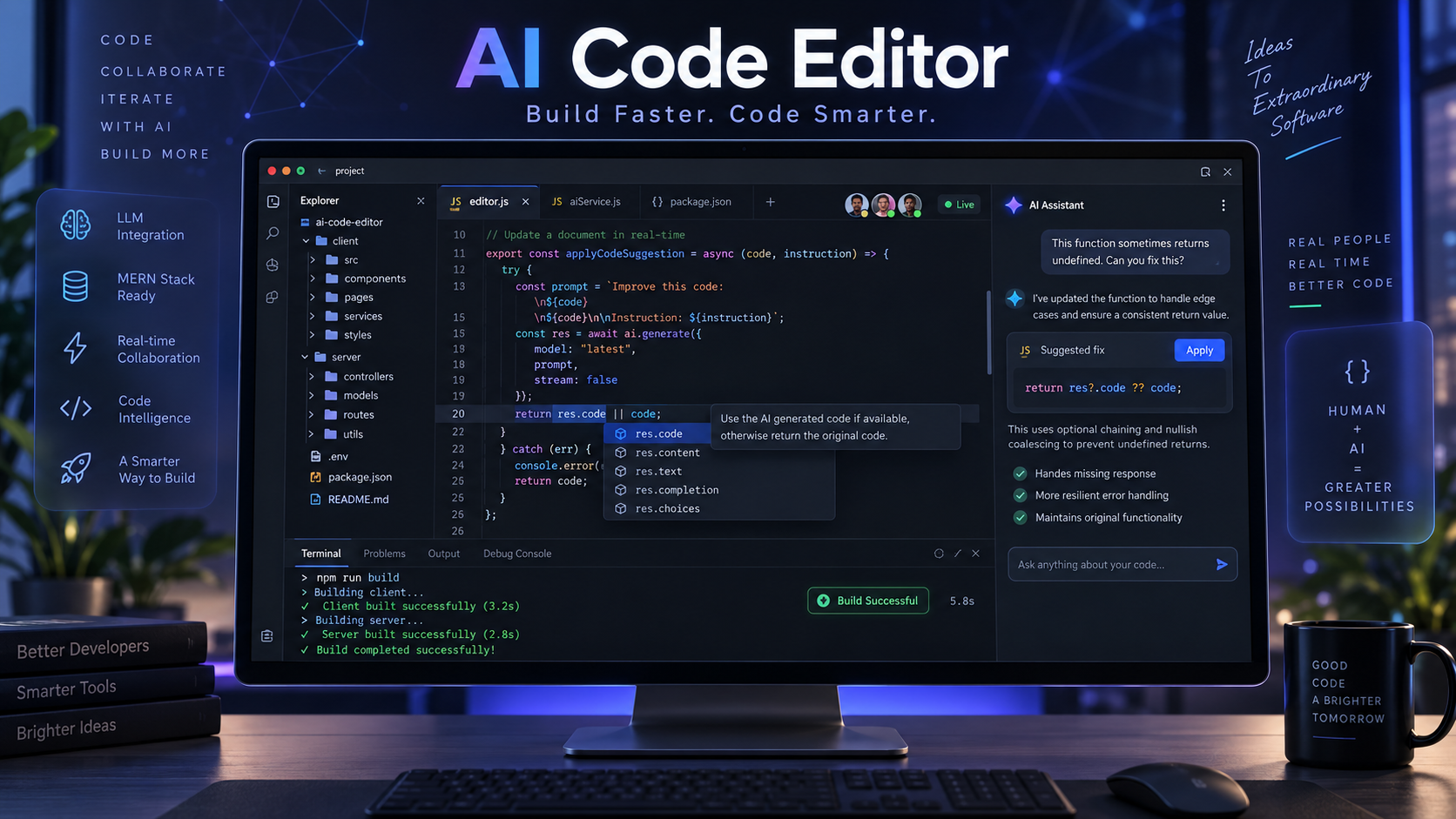
AI Code Editor
case study.

An intelligent browser-based code editor with contextual assistance, code explanation, generation and real-time development workflows.

AI Code Editor interface and project preview
4Core technologiesFullCase studyUXUser focusedWebResponsive

Why AI Code Editor needed to exist.

Switching between an editor and generic AI chat loses code context and interrupts development flow.

A collaborative web editor connects live code context with explanation, generation and intelligent development assistance.

Who it serves

Developers who want contextual AI help inside a browser-based workspace.

Business value

Shortens common development tasks and creates a platform for premium AI productivity workflows.

Designed around the essential workflow.

01

Contextual code assistance

Designed as part of a cohesive ai developer tool experience, with clarity, reliability and practical use in mind.

02

Code explanation and generation

Designed as part of a cohesive ai developer tool experience, with clarity, reliability and practical use in mind.

03

Real-time editor workflows

Designed as part of a cohesive ai developer tool experience, with clarity, reliability and practical use in mind.

04

Browser-based workspace

Designed as part of a cohesive ai developer tool experience, with clarity, reliability and practical use in mind.

Value for users and the business.

Reduces context switching

Accelerates routine coding

Helps developers understand code

Built with constraints in view.

Generated code requires review

Model usage introduces latency and cost

A stack where every tool has a clear responsibility.

The architecture for AI Code Editor was shaped around the product workflow, integration boundaries and long-term maintainability. Technologies are used for specific responsibilities rather than added only to make the stack appear larger.

Product capability1 tools

MERN

Supports the AI Code Editor workflow as a focused part of the product architecture, selected for practical delivery and maintainability.

Intelligence2 tools

LLM

Provides language understanding and generation for assisted product workflows.

Code Intelligence

Uses project context to explain, generate and assist with source-code tasks.

Services & integration1 tools

WebSockets

Maintains persistent two-way connections for real-time collaborative experiences.

Clear boundaries

Interface, business logic, persistence and external services remain separated so changes are easier to reason about.

Defensive data handling

Validation and predictable contracts protect downstream workflows from incomplete or unexpected input.

Deployment-aware design

Runtime limits, secrets, external dependencies and failure paths are considered as part of the implementation.

01

Discover

Understand the users, business objective and constraints.

02

Design

Map the core journey and reduce unnecessary interaction.

03

Build

Implement maintainable interfaces, services and data flows.

04

Validate

Test behavior, responsiveness and failure paths before release.

Project by Sandipan Das

Have a similar
problem to solve?

Start a conversation